1–2 h
Virtual server (VPS)
Virtual servers are provisioned automatically. After payment we activate Windows Server, configure the environment and send RDP credentials by email and in your billing account. Usually ready within 1-2 hours.

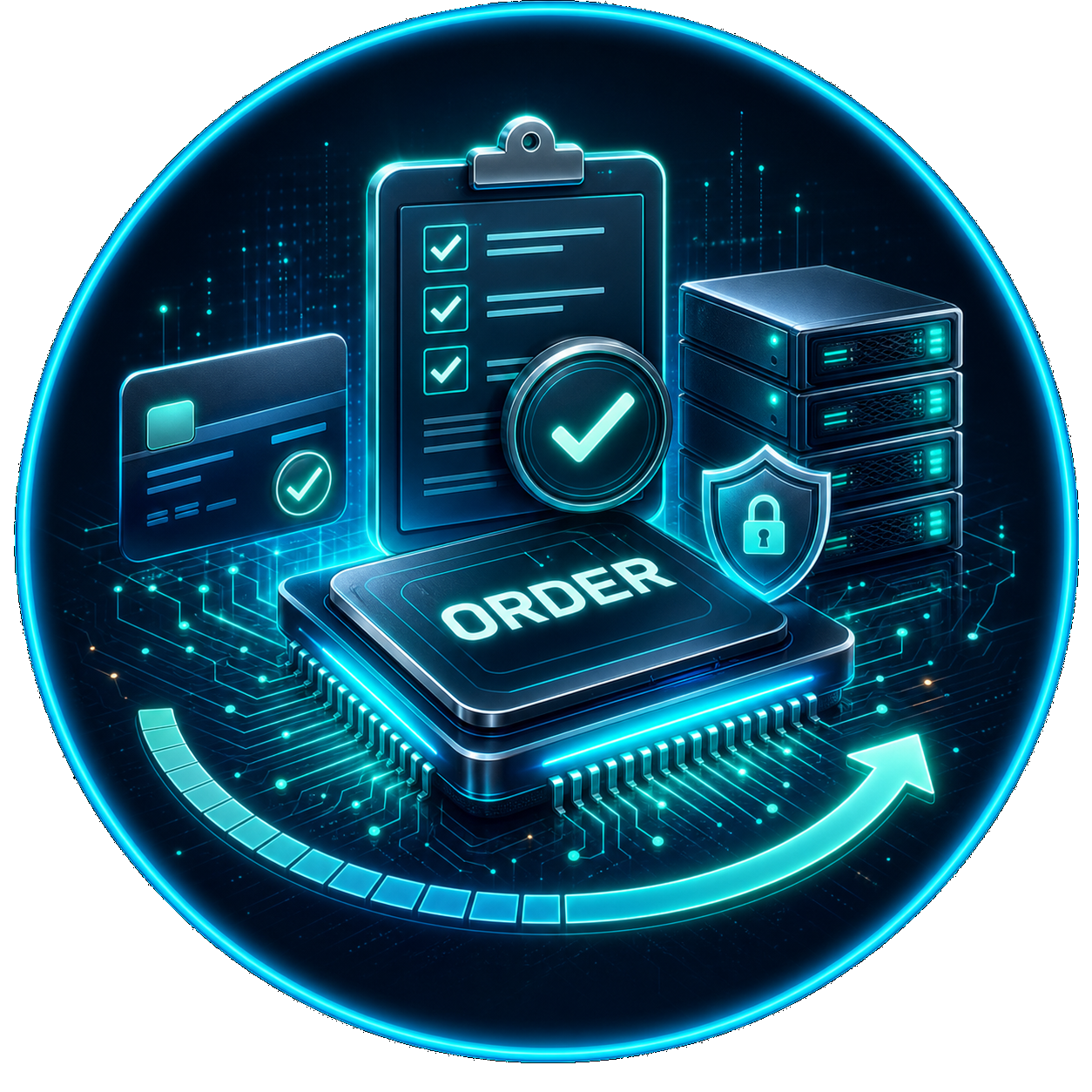
Choose VPS or dedicated server capacity for MT5 and EA workloads, then register in billing and connect via RDP.
We prepare Windows Server and RDP access after payment. Virtual servers are usually ready in 1-2 hours. Dedicated servers take up to 5-6 hours. This is infrastructure for traders only, without financial consultations, brokerage services or trading advice.
Browse VPS or dedicated server plans. Not sure? Ask us in messengers — we will suggest the right setup.
Create an account in our billing panel — your personal area for orders, invoices and support tickets.
Pay by card, USDT, BTC or other crypto. You can also request a free test period via a support ticket.
We send your IP address and credentials. Connect over Remote Desktop and start setting up MetaTrader.
Step 1
If you have not chosen a configuration yet, browse our plans below or ask us in Telegram or WhatsApp. We will suggest the right option based on your workload — number of terminals, EA type, backtesting needs and budget.
Not sure which server fits your workload? Ask us directly — we help choose between VPS, dedicated server and backtest farm based on your specific MT4/MT5 setup.
Ask us in Telegram / WhatsAppLightweight Windows VPS for everyday MT4/MT5 trading, prop-firm accounts and small EA portfolios. Good for 1-5 terminals with stable uptime and low ping to brokers.
See VPS plans Option BA physical server with dedicated CPU, RAM and NVMe storage — no noisy neighbours. Best for many terminals, heavy EAs, POW EA strategies and demanding MT5 workloads.
See dedicated servers Option CRemote MT5 Strategy Tester agents on farm nodes. Your local MT5 stays the master terminal — our servers connect as remote agents and add pure compute power for large optimizations.
Explore backtest farmStep 2
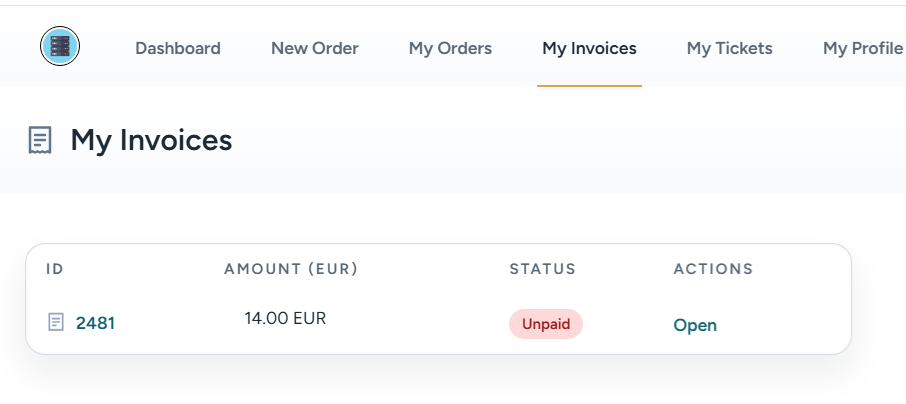
Our billing panel is your personal area where you can order a server, create support tickets and check payment history. In the billing panel you can choose a tariff plan for your VPS or dedicated server.
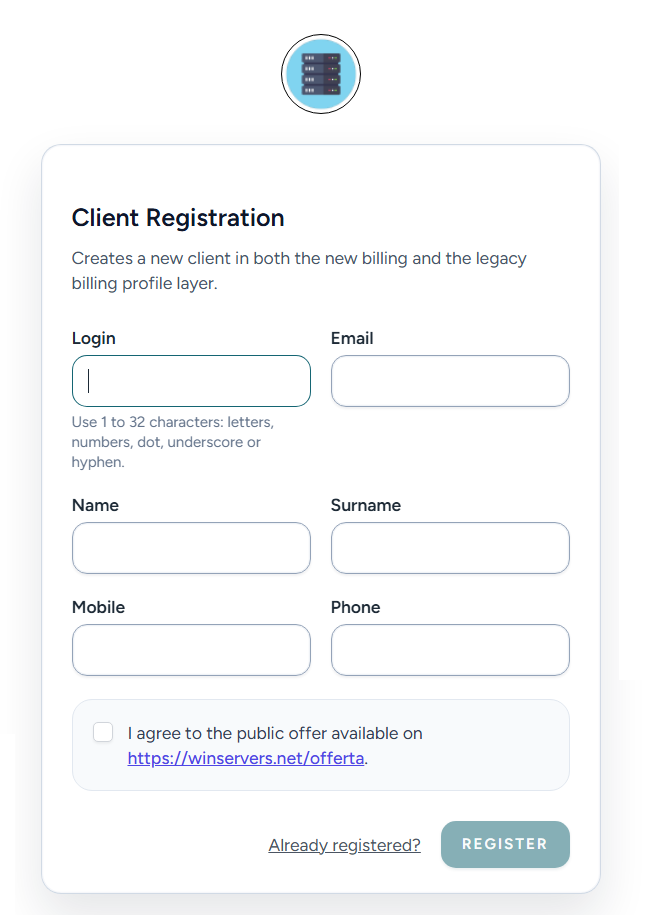
Open the billing panel and register with your email. Your personal profile is created immediately — no waiting, no verification delay. After registration you will see your client area with all available services.
Select a VPS or dedicated server tariff plan that fits your workload — number of MetaTrader terminals, EA type, backtest volume. Review the configuration and confirm the order. You will see an invoice to pay.
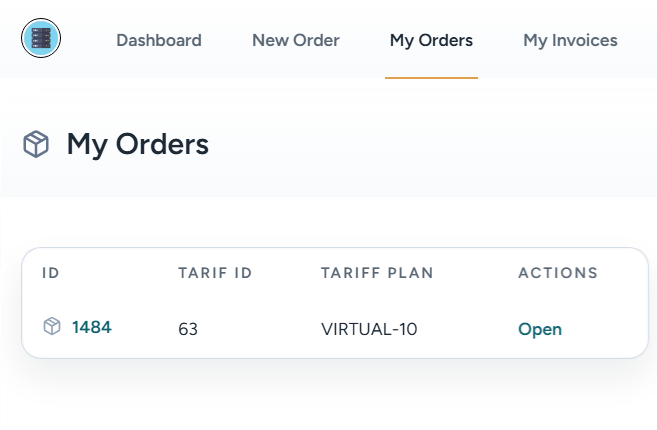
Pay the invoice by card, USDT, BTC or other crypto. Or open a support ticket to request a free test period. After payment we start preparing your server — virtual servers are ready in 1–2 hours, dedicated servers in 5–6 hours.
Waiting Time
After a successful payment we start preparing your server. The time depends on the server type.
Virtual servers are provisioned automatically. After payment we activate Windows Server, configure the environment and send RDP credentials by email and in your billing account. Usually ready within 1-2 hours.
Dedicated servers require mounting hardware, installing the operating system and running initial configuration checks. We prepare your server with good quality — this typically takes 5-6 hours when all preparation goes normally.

Tell us your workload — number of terminals, EA type, backtesting needs — and we will suggest the right configuration in minutes.